Math · Built from a recipe
Fourier Circles
C4 on the major comb. Its drum rings at 255.1 Hz.
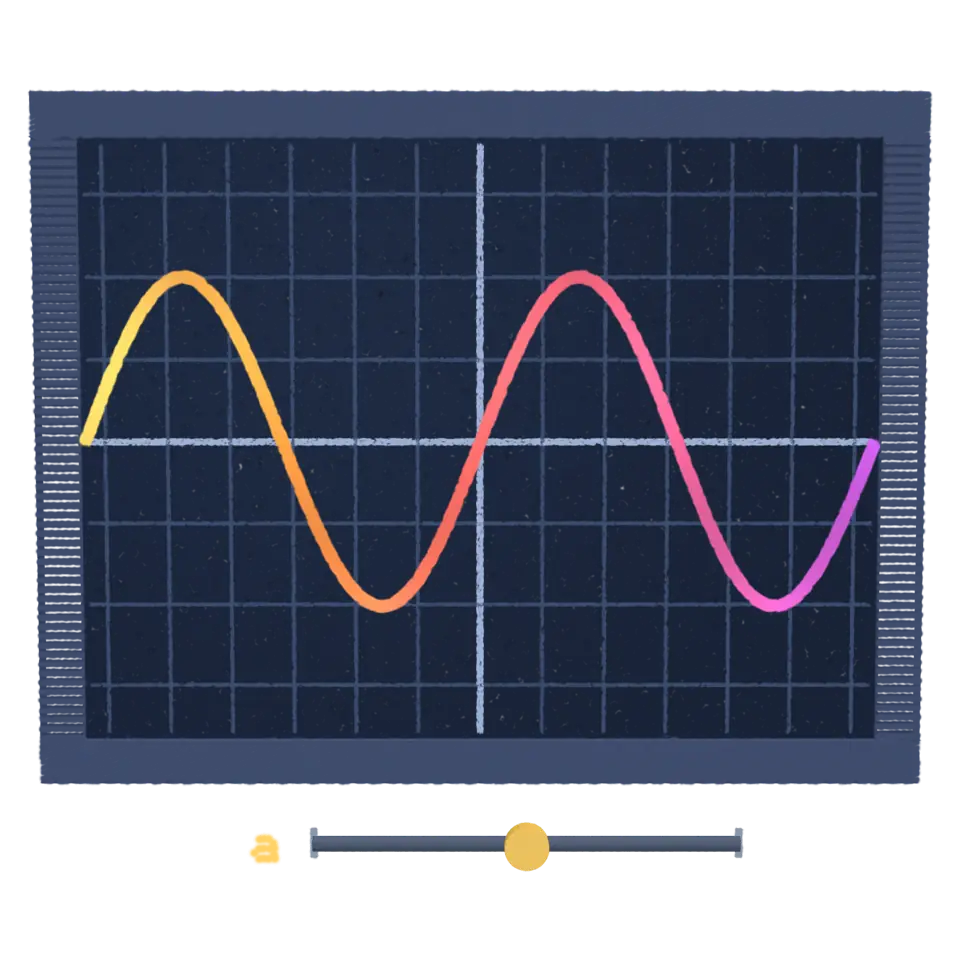
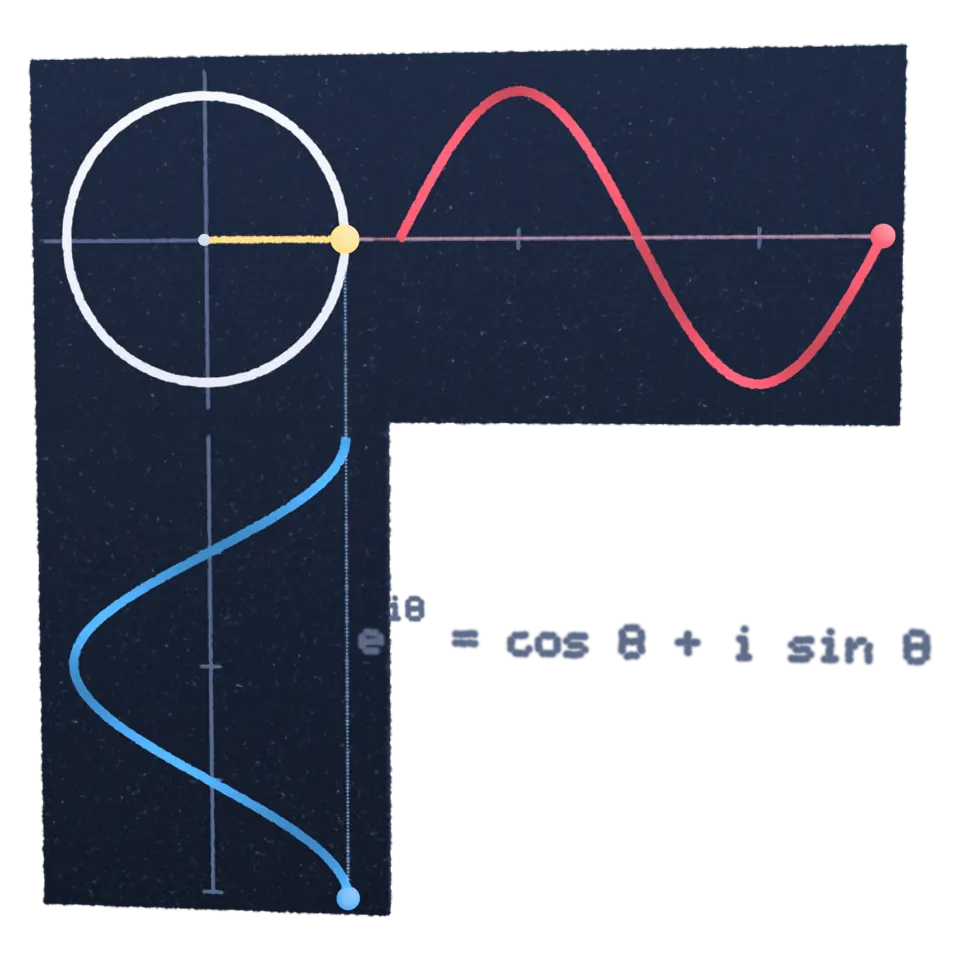
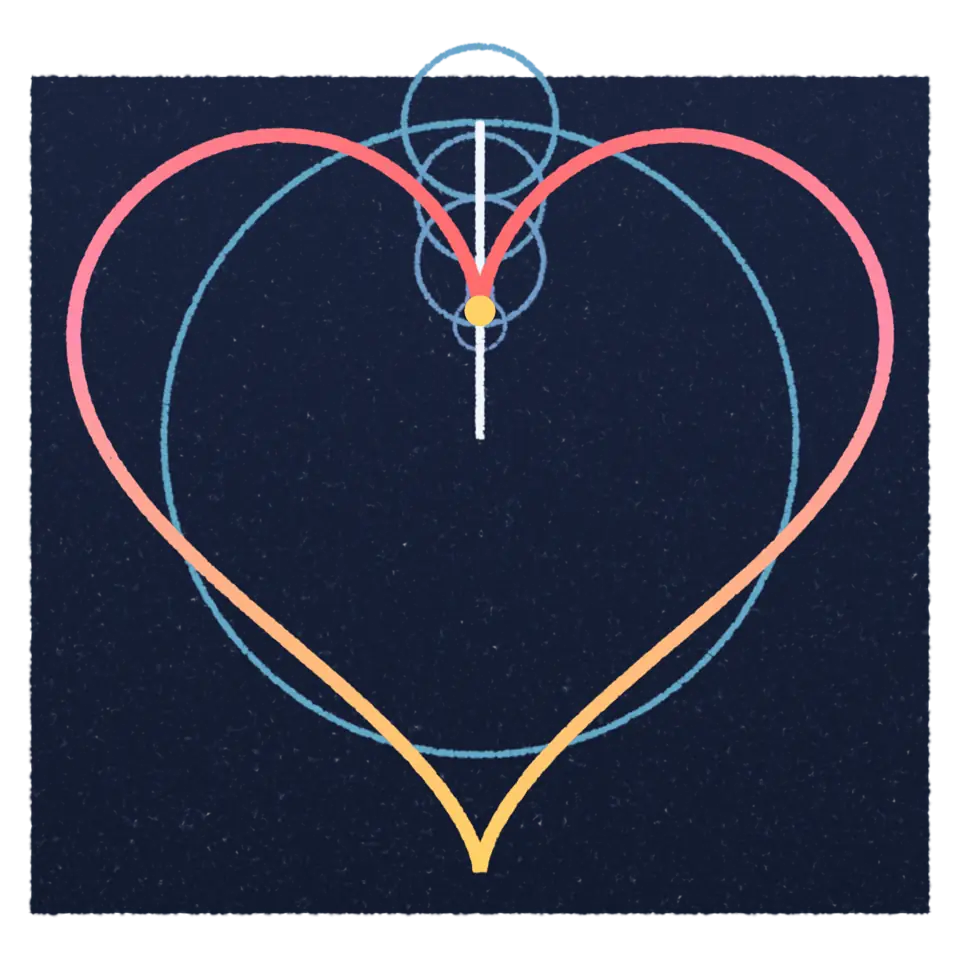
Circles turning on circles can draw almost any closed shape, given enough of them.
- Shelf
- Math
- Kind
- Built from a recipe
- Your own
- Your own shape
- Sound
- Yes
- Licenses
- Own work (made in the page)
Its note
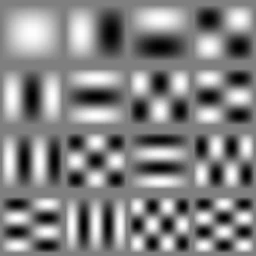
Splashery stretches a drumhead over this Splash's outline, twelve inches across, and finds the ways it can ring. Its lowest is 255.1 Hz, 44 cents flat of C4. The next fifteen are its overtones, and each one draws its own figure: sand gathers on the lines that stay still.
- 1255 Hz
- 2394 Hz
- 3413 Hz
- 4510 Hz
- 5552 Hz
- 6588 Hz
- 7640 Hz
- 8660 Hz
- 9717 Hz
- 10765 Hz
- 11769 Hz
- 12787 Hz
- 13825 Hz
- 14884 Hz
- 15891 Hz
- 16911 Hz
How to play
Tap to spin the circles. Type a word or a curve in the Splash tab.
Its controls
| Control | Kind | Range | Start |
|---|---|---|---|
| Spin the circles | Tap | ||
| Spin | Button | ||
| Shape | List | 5 choices | Heart |
| View | List | 2 choices | 2D |
| Circles | Setting |
About it
Circles turning on circles can draw almost any closed shape, given enough of them. Each circle spins a whole number of times per loop while riding on the rim of the one before, and the tip of the last one traces the drawing. This is a Fourier series, named after Joseph Fourier, who showed in the early 1800s that repeating patterns can be built by adding up simple waves.
Tap to spin them and watch the shape drawn again. Few circles draw a wobbly shape and many draw a crisp one: set how many in the Splash tab, pick a heart, a star or a square wave, stack them in 3D, or type words (up to 40 letters) and each letter gets its own chain of circles, five letters at a time.
Details
- Splats
- Opens at 200,000 at Mid Detail, 60,021 at Low, and up to 680,000 at Max
- Your own files
- .txt
Sources and credits
Made in Splashery. Its code is MIT.