Imaging · Built from a recipe
Thermal Camera
A4 on the major comb. Its drum rings at 464.8 Hz.
Everything gives off infrared light, more the warmer it is.
- Shelf
- Imaging
- Kind
- Built from a recipe
- Sound
- Yes
- Licenses
- Own work (made in the page)
Its note
Splashery stretches a drumhead over this Splash's outline, twelve inches across, and finds the ways it can ring. Its lowest is 464.8 Hz, 95 cents sharp of A4, the nearest tine on the comb. The next fifteen are its overtones, and each one draws its own figure: sand gathers on the lines that stay still.

- 1465 Hz
- 2549 Hz
- 3688 Hz
- 4827 Hz
- 5839 Hz
- 6881 Hz
- 7985 Hz
- 81011 Hz
- 91082 Hz
- 101136 Hz
- 111173 Hz
- 121197 Hz
- 131255 Hz
- 141314 Hz
- 151366 Hz
- 161373 Hz
How to play
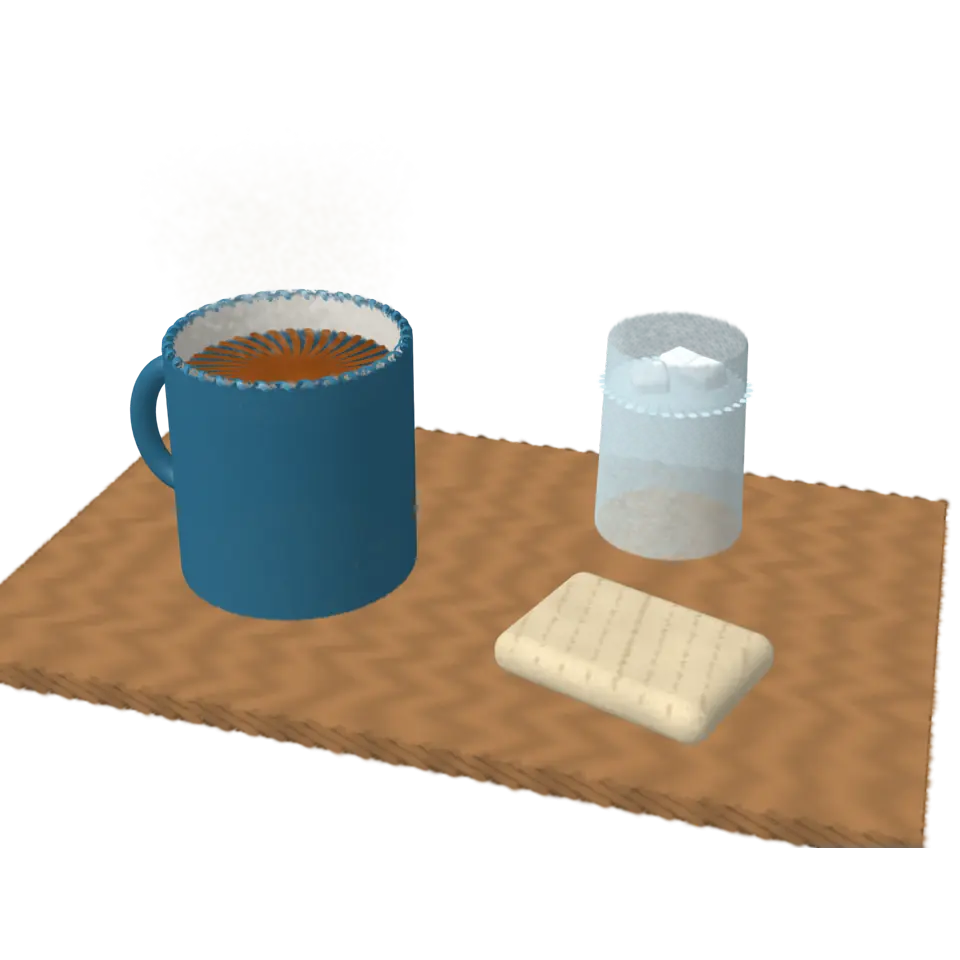
Tap to switch the thermal camera on or off, and watch the tea cool.
Its controls
| Control | Kind | Range | Start |
|---|---|---|---|
| Thermal camera on or off | Tap | ||
| Thermal view | Switch | Off |
About it
Everything gives off infrared light, more the warmer it is. A thermal camera measures that light and paints each temperature its own false color: here, black and violet for cold, then magenta, red, orange and yellow up to white for hot.
The tea in the mug starts at about 72 °C and cools (sped up: in real life it takes many minutes) as its steam thins. The mug's wall warms from the tea, the hand warmer stays at about 47 °C as the iron powder inside slowly rusts, and the glass of ice water is cold. The table is at room temperature, warmed or chilled a little where things stand on it. The scene and its temperatures are built for the splash.
Details
- Splats
- Opens at 200,000 at Mid Detail, 119,998 at Low, and up to 750,000 at Max
Sources and credits
Made in Splashery. Its code is MIT.