Imaging · Built from a recipe
Airport X-ray
A4 on the major comb. Its drum rings at 438.5 Hz.
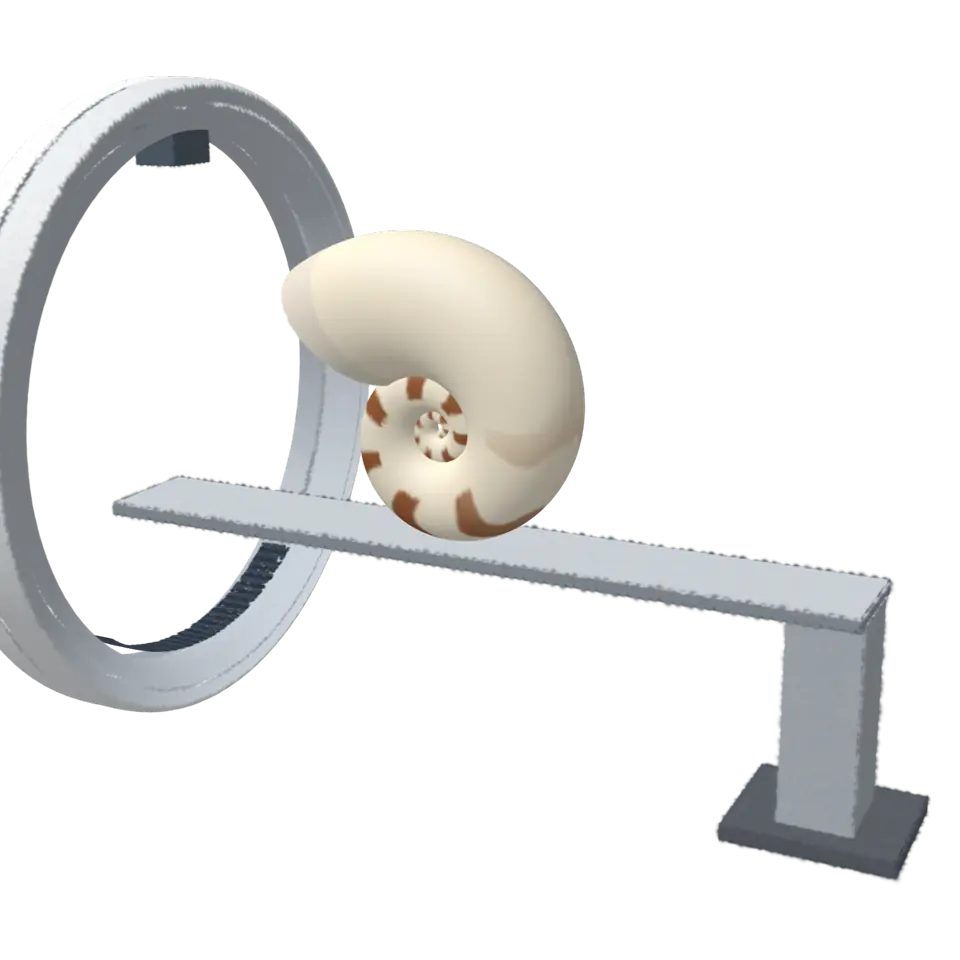
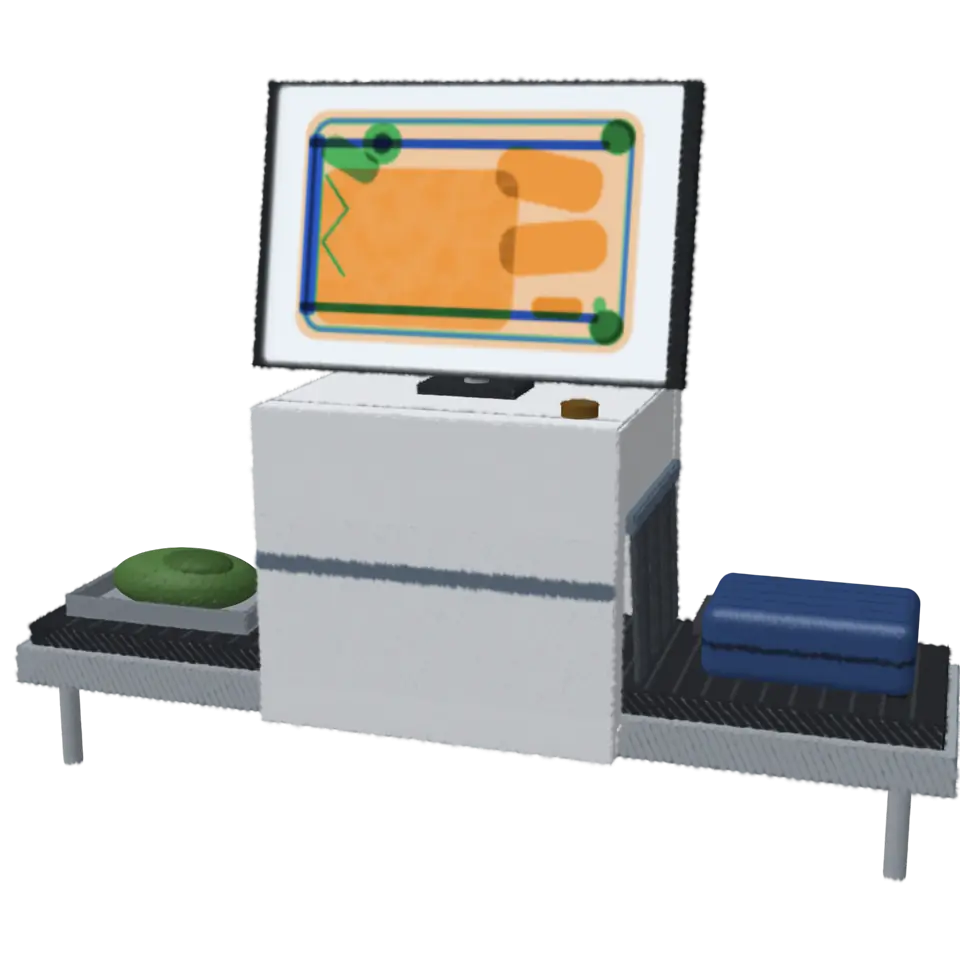
An airport scanner sends a fan of X-rays through each bag as the belt carries it past, and a row of detectors measures what gets through, one line at a time.
- Shelf
- Imaging
- Kind
- Built from a recipe
- Sound
- Yes
- Licenses
- Own work (made in the page)
Its note
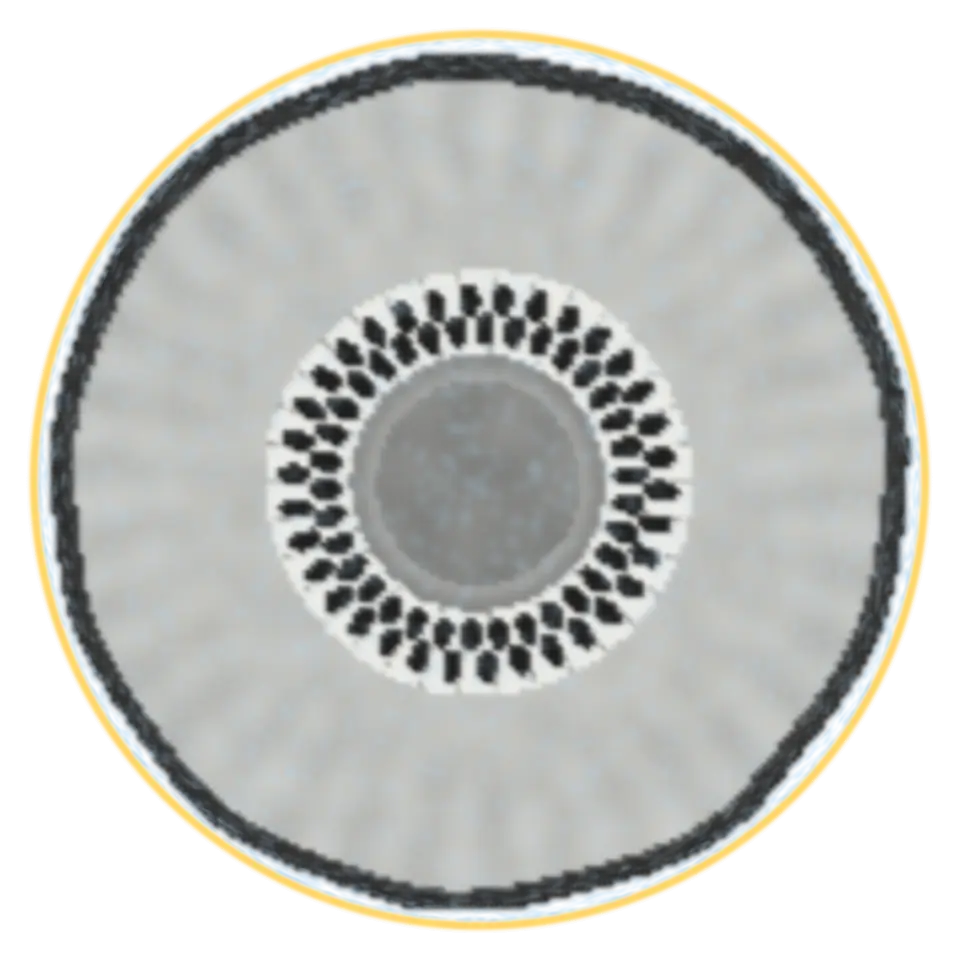
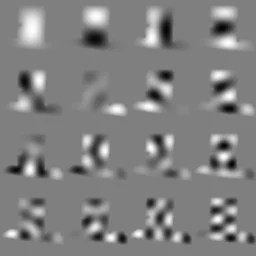
Splashery stretches a drumhead over this Splash's outline, twelve inches across, and finds the ways it can ring. Its lowest is 438.5 Hz, 6 cents flat of A4. The next fifteen are its overtones, and each one draws its own figure: sand gathers on the lines that stay still.
- 1439 Hz
- 2583 Hz
- 3764 Hz
- 4782 Hz
- 5836 Hz
- 6908 Hz
- 7983 Hz
- 8998 Hz
- 91069 Hz
- 101130 Hz
- 111154 Hz
- 121205 Hz
- 131226 Hz
- 141242 Hz
- 151321 Hz
- 161373 Hz
How to play
Tap to send the next bag through the scanner and watch its X-ray picture build.
Its controls
| Control | Kind | Range | Start |
|---|---|---|---|
| Send the next bag | Tap | ||
| Send a bag | Button |
About it
An airport scanner sends a fan of X-rays through each bag as the belt carries it past, and a row of detectors measures what gets through, one line at a time. Most scanners measure two energies at once. Comparing them tells light elements from heavy ones, so the screen colors each thing by what it is made of: orange for organic matter (clothes, food, paper, plastic), green for mixed and light inorganic matter (glass, ceramics, plastics with fillers), blue for metal, and black where almost nothing gets through.
The bags and the pictures here are built for the splash, with simplified materials. Tap to send the next bag.
Details
- Splats
- Opens at 200,000 at Mid Detail, 120,004 at Low, and up to 780,000 at Max
Sources and credits
Made in Splashery. Its code is MIT.