Pictures and Pages · Built from a recipe
Picture Lab
C4 on the major comb. Its drum rings at 244.7 Hz.
The Picture lab shows a page, a photo, a GIF or a video as Gaussian splats: thousands of small, flat, colored discs, the same stuff every splash here is made of.
- Shelf
- Pictures and Pages
- Kind
- Built from a recipe
- Your own
- Your own picture
- Sound
- Yes
- Licenses
- CC0, MIT, Apache-2.0
Its note
Splashery stretches a drumhead over this Splash's outline, twelve inches across, and finds the ways it can ring. Its lowest is 244.7 Hz, 116 cents flat of C4, the nearest tine on the comb. The next fifteen are its overtones, and each one draws its own figure: sand gathers on the lines that stay still.
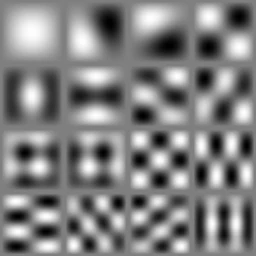
- 1245 Hz
- 2387 Hz
- 3387 Hz
- 4489 Hz
- 5547 Hz
- 6547 Hz
- 7624 Hz
- 8624 Hz
- 9713 Hz
- 10713 Hz
- 11734 Hz
- 12773 Hz
- 13773 Hz
- 14865 Hz
- 15865 Hz
- 16881 Hz
How to play
Tap the right of the page to go on, the left to go back. With Pop out on (its button at the right), tap a figure to raise it.
Its controls
| Control | Kind | Range | Start |
|---|---|---|---|
| Next page, or play and pause | Tap | ||
| Next page | Button | ||
| Pop out | Switch | Off | |
| Draw a box | Switch | Off | |
| Pop-up layers | Switch | Off | |
| Sample | List | 2 choices | An article (PDF) |
About it
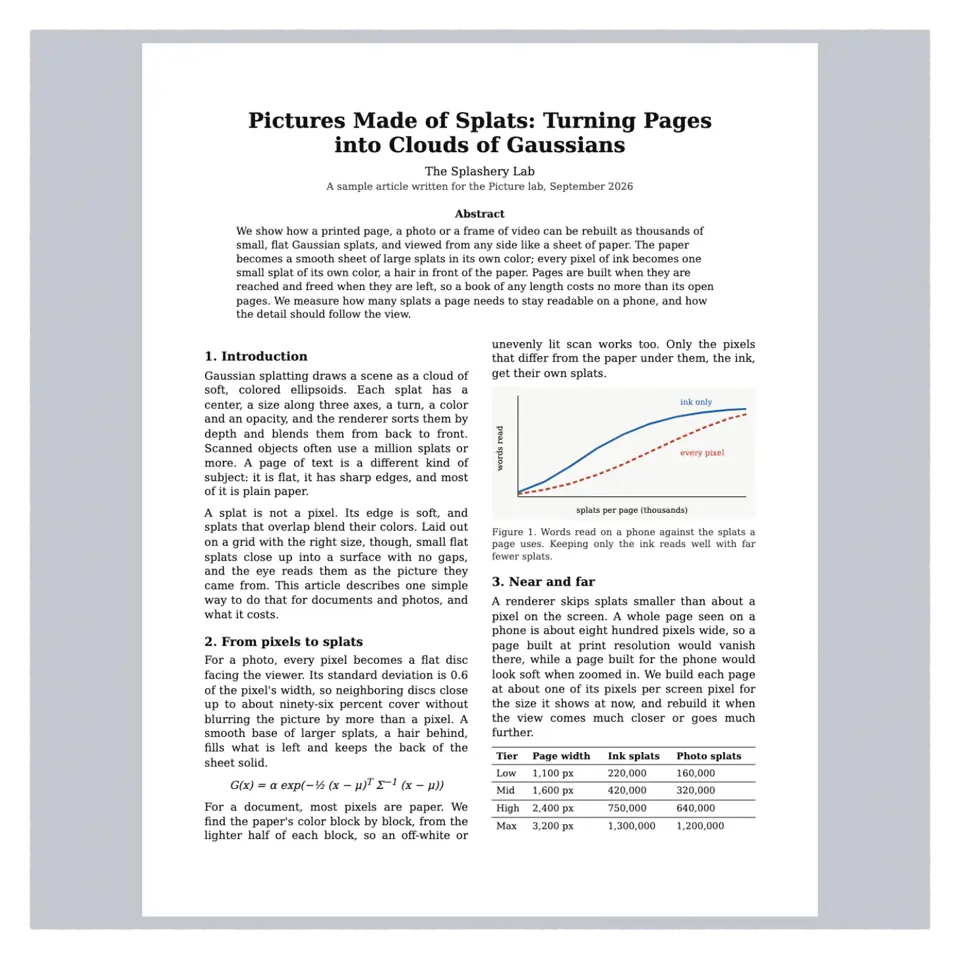
The Picture lab shows a page, a photo, a GIF or a video as Gaussian splats: thousands of small, flat, colored discs, the same stuff every splash here is made of. A document's paper becomes a smooth sheet of large splats in the paper's own color, and every pixel of ink becomes one small splat of its own color, a hair in front. A photo gets one splat per pixel.
Double-tap the page to fill the screen with it; zoom in and it is rebuilt sharper. Open a PDF, a photo, a GIF or a video of your own in the Splash tab, or paste a web address. Your files stay on your device: nothing is uploaded. Sample picks a PDF or a photo.
Turn on Pop out with its button at the right of the stage and tap a picture to raise it off the page in 3D; tap it again to lay it back. Draw a box raises anything else, and Pop-up layers splits one into cutout cards. Drag a risen figure to tilt the view; the Depth slider adds relief.
Details
- Splats
- Opens at 200,000 at Mid Detail, and up to 200,000 at Max
- Turning
- Drag turns it left and right only, until Tilt lock is off
Sources and credits
| Work | By | License |
|---|---|---|
| Tulip field (the photo sample) | DennisM2 | CC0 1.0 |
| Sharp hybrid picture faces | Ryan Kamp | MIT |
Libraries
- Apache-2.0
- Depth Anything V2 Small, quantized ONNX (lane LSTUDIO, copied from Splashery)
- MIT
- ONNX Runtime Web 1.30.0 (its modules)