Food · Built from a recipe
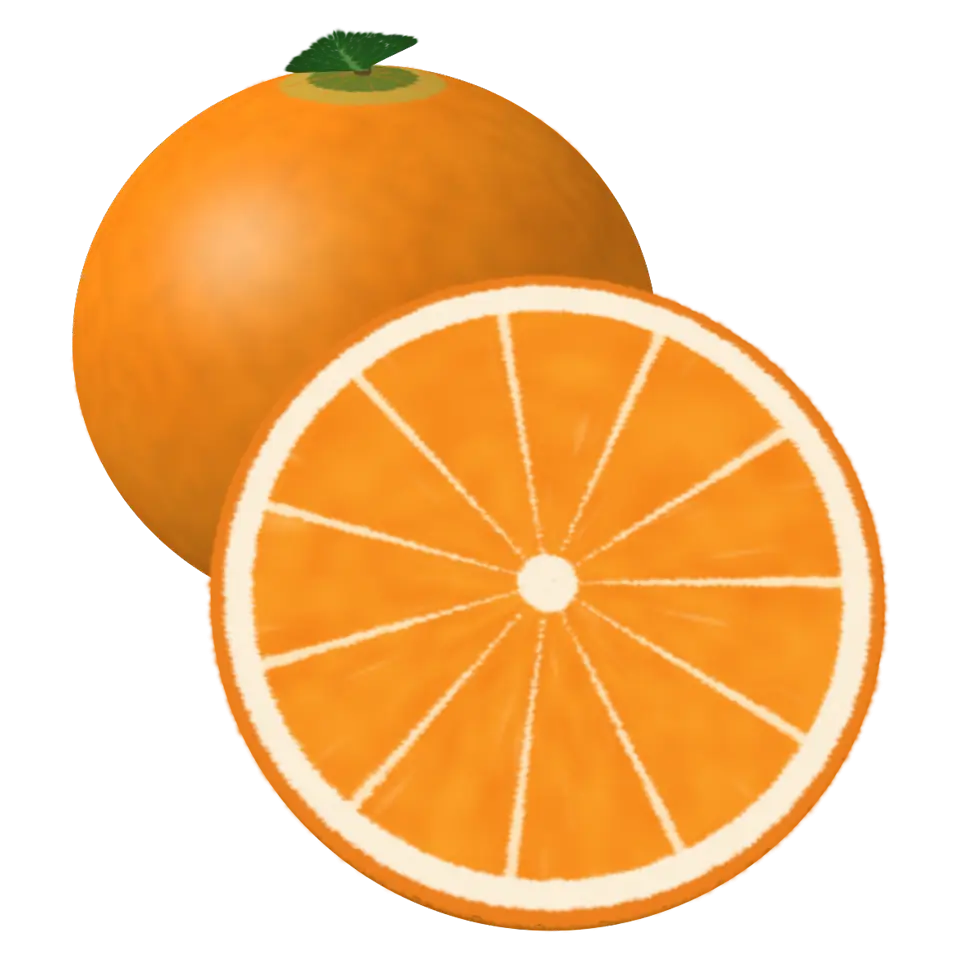
Orange
E4 on the major comb. Its drum rings at 318.2 Hz.
An orange is a citrus fruit.
- Shelf
- Food
- Kind
- Built from a recipe
- Sound
- Yes
- Hands-on
- Yes
- Licenses
- Own work (made in the page)
Its note
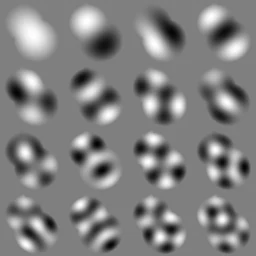
Splashery stretches a drumhead over this Splash's outline, twelve inches across, and finds the ways it can ring. Its lowest is 318.2 Hz, 61 cents flat of E4, the nearest tine on the comb. The next fifteen are its overtones, and each one draws its own figure: sand gathers on the lines that stay still.
- 1318 Hz
- 2445 Hz
- 3553 Hz
- 4595 Hz
- 5658 Hz
- 6744 Hz
- 7782 Hz
- 8795 Hz
- 9898 Hz
- 10904 Hz
- 11918 Hz
- 121002 Hz
- 131022 Hz
- 141058 Hz
- 151067 Hz
- 161136 Hz
How to play
Tap it to open it into wedges. With ✋ on, pull a wedge out; bring it back and it clicks in.
Its controls
| Control | Kind | Range | Start |
|---|---|---|---|
| Open into wedges | Tap | ||
| Open into wedges | Button | ||
| Style | List | 3 choices | Whole and half |
About it
An orange is a citrus fruit. Its bright peel is dotted with tiny pockets of fragrant oil, and inside, the fruit is divided into segments packed with little sacs of juice. Oranges are full of vitamin C, and they were first grown in southern China and Southeast Asia.
Tap it and the whole orange opens like a flower: eight wedges fall open outward, one just after another, showing their juicy faces, while juice squirts up out of the middle. Then it closes up again. Pick a whole orange, a half, or both in the Splash tab. With ✋ Hands-on on, pull the wedges out one by one and set them down; bring a wedge back over its place and it clicks home.
Details
- Splats
- Opens at 200,000 at Mid Detail, 60,002 at Low, and up to 870,000 at Max
Sources and credits
Made in Splashery. Its code is MIT.