Body · Built from a recipe
Eye
C4 on the major comb. Its drum rings at 264.5 Hz.
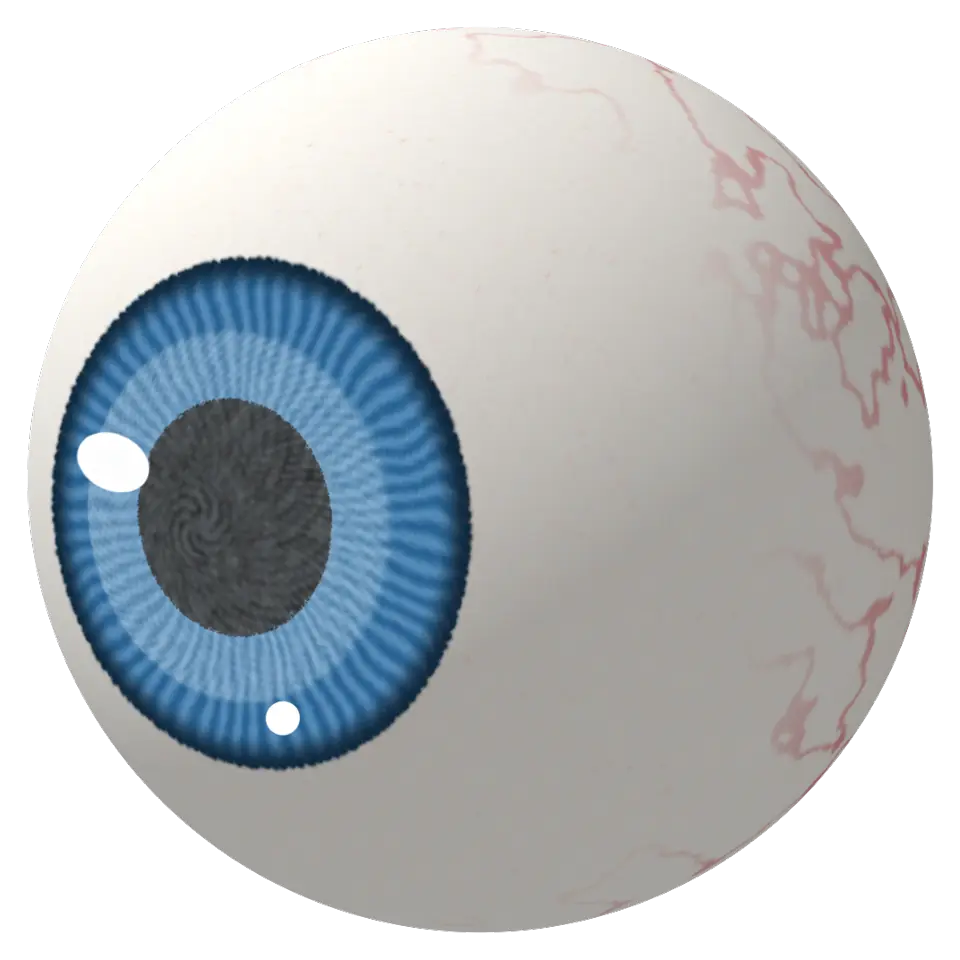
Light goes in through the pupil, the black hole in the middle, and a lens focuses it onto the retina at the back, which sends a picture to the brain.
- Shelf
- Body
- Kind
- Built from a recipe
- Sound
- Yes
- Hands-on
- Yes
- Licenses
- Own work (made in the page)
Its note
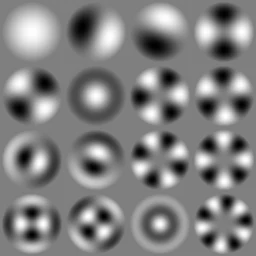
Splashery stretches a drumhead over this Splash's outline, twelve inches across, and finds the ways it can ring. Its lowest is 264.5 Hz, 19 cents sharp of C4. The next fifteen are its overtones, and each one draws its own figure: sand gathers on the lines that stay still.
- 1265 Hz
- 2421 Hz
- 3421 Hz
- 4564 Hz
- 5565 Hz
- 6607 Hz
- 7701 Hz
- 8701 Hz
- 9771 Hz
- 10771 Hz
- 11834 Hz
- 12834 Hz
- 13924 Hz
- 14926 Hz
- 15951 Hz
- 16964 Hz
How to play
Tap it to blink. Hands-on: drag on the eyeball and it rolls to look where you pull.
Its controls
| Control | Kind | Range | Start |
|---|---|---|---|
| Blink | Tap | ||
| Pupil | Slider | 0 to 100% | 35% |
| Blink | Button | ||
| Iris | Color | #2f7fc1 |
About it
The eye is how we see. Light goes in through the pupil, the black hole in the middle, and a lens focuses it onto the retina at the back, which sends a picture to the brain. The colored ring around the pupil is the iris: its muscles make the pupil smaller in bright light and bigger in the dark.
This eye glances around by itself. Tap it and it blinks, turns to look at you and snaps its pupil small. The Pupil slider sets how wide the pupil is, and you can pick the iris color. People blink about 15 to 20 times a minute, which keeps the eye wet and clean. With ✋ Hands-on on, drag on the eyeball and it rolls in its socket to look where you pull; let go and it glances about again.
Details
- Splats
- Opens at 200,000 at Mid Detail, 58,402 at Low, and up to 570,000 at Max
Sources and credits
Made in Splashery. Its code is MIT.